

An update on my lead generation
The agency I work at, DPDK, often hosts ‘Chemistries’. Short sessions during which a team member highlights a part of the work done at that department in the agency, in an attempt to show more of the inner workings of how the agency operates. Recently, I joined one of these 30-minute sessions from the Lead Generation team, talking about how DPDK attracts new clients and how they are flagged and categorized, filtered and data-strapped far before they have even really contacted the agency directly. This got me thinking about my own strategy.
That is, where is my strategy? I usually get contacted by a prospective client, and we plan in a call not too long after to talk through the possible work and meet introduce/meet. While most of the clients who contact me are indeed good matches, it undoubtedly takes away some of my time when having to go through calls, knowing it will not end up in a new client. Be it that they are not a great client to work with (red flags and the usual), or simply because their budget might not align with their expectations.
So maybe I need a strategy.
To save time and frustration in meeting new clients, and making calls last an hour instead of two, I decided it was time for a (concrete) strategy. Some of my colleague freelancers used simple questionnaires, or had a full-blown strategy for tagging and filtering like the agency does. For the time being, it is overkill to have a CRM (a place to manage clients), but I was certainly inspired to make a time-saver for myself after attending the Chemistry.
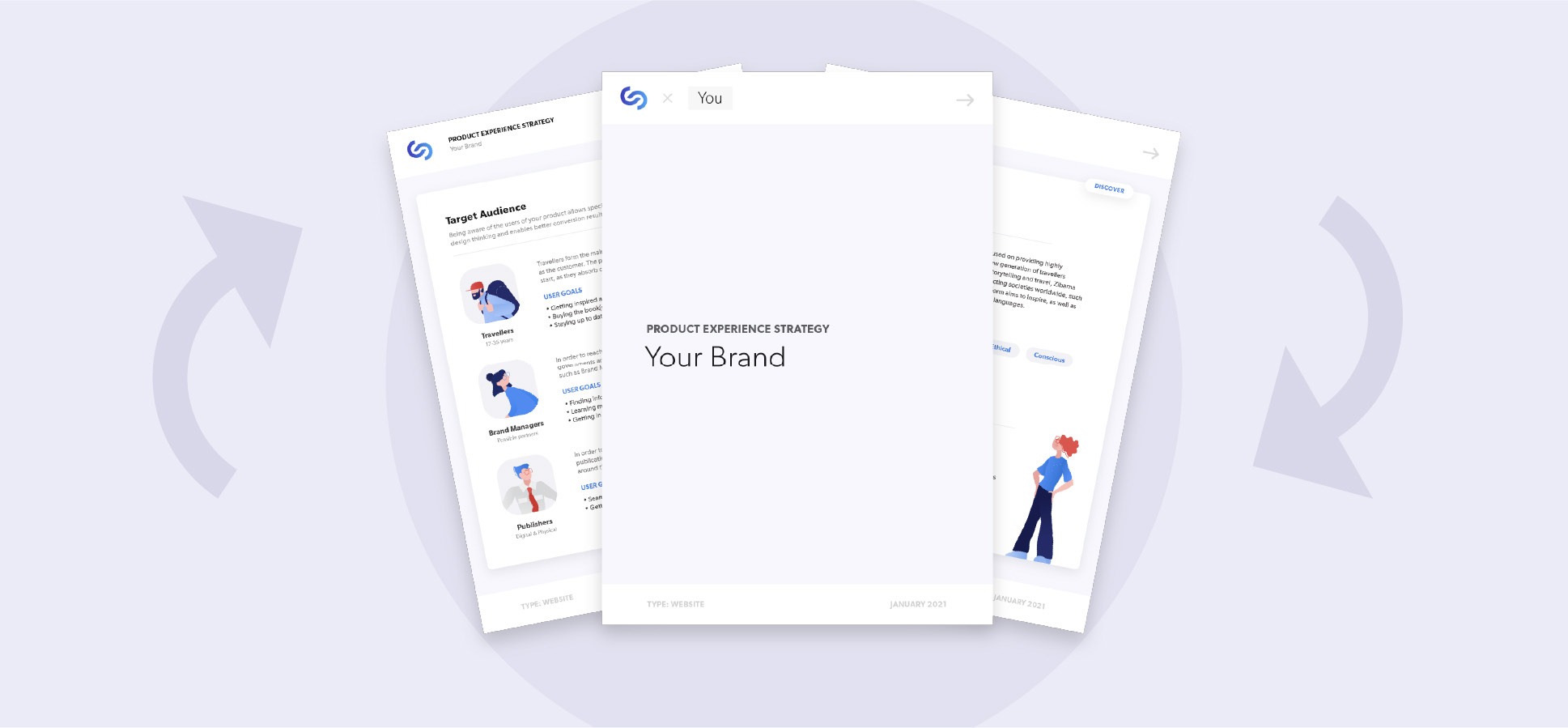
So, I did what was best, and widened the scope of my strategy improvements this year on top of the Product Experience Strategy I am working on. I thought back of the old calls I used to have with clients, and all the individual e-mails sent back and forth, and which questions they contained. From analyzing that I found out that certain questions would come up for every client, such as budget, timeline, company vision and what the technical goals are. I would also regularly ask for design examples, which I would have to get through email links. Not ideal.
Keeping it simple.
According to CRM-leader HubSpot (2016), “the client discovery process is a key phase in the beginning of a new relationship. It helps to build trust and sets the stage for any successful project…”.
This phase is the best time to align business goals and getting to know the client. I consolidated all the common questions as well as some new ones in a Google Document which is easy to edit for any client, tech literate or not. This ‘Client Discovery Document’ would be filled in by the client ahead of our call, which allows me to prepare for the call with necessary data and research.
While looking professional to a client, it also allows me to skip heavy questions such as asking for the budget during a call (which is always an intactful and greedy sounding in my case). As the client fills this in, it saves me a lot of time not having to ask it during calls, but merely going through the answers with them. I can think of good questions beforehand, and get to know the project even better. In short: an investment which pays off very quickly.
As an added bonus, I can ask on the form if they require any help post-development or if I can offer any other service they need help with. It is an upselling machine!
The new strategy involves structuring clients into two groups: Small Builds, and Big Builds. Smaller builds are characterized by lesser-technical wishes for the site and have a smaller budget. Big Builds have a higher budget and are more demanding for what they need the site for. Based on the Client Discovery Document, I can already spot the type of client and categorize them straight away. Once categorized, their document gets converted to a ‘Project Strategy’ document; Version A (Small Build) or Version B (Big Build). Both look similar to the Discovery doc, and feature more questions better fit to either type of client to be filled after our call for more research.
At the end of both Strategy documents, a small overview is given of the steps that follow and how long they usually take. This makes the document the central hub for client communication and planning in the early phases of the project.

Small Build vs Big Build
The main difference between a small and big build, lies in the amount of steps taken to achieve the end result. In short, the new Product Experience Strategy will only be applied to bigger builds, as smaller builds lack the budget to facilitate the extensive research it requires. This allows me to serve those who will benefit from the strategy the most while keeping my services affordable for smaller-budget clients.
So does it work?
Absolutely! After one month, I have not regretted anything about these documents so far. They give me back valuable time and solidify choices and brand stories ahead of the call. It allows clients to really think about the answers instead of being asked on a call point blank. One client even asked me for another copy of the document to fill, for a new project she wanted to start without even telling me about it first! I do expect to tweak, add or remove questions in the upcoming months depending on if I am able to harvest the right data from the current ones.
Here’s to standardizing!
Oetting, J., 2016. The Guide to Running a Client Discovery Process. HubSpot Agency Post, [blog] 13th June. Available at: <https://blog.hubspot.com/agency/client-discovery-process> [Accessed 7 March 2021].